Till
Counter till kit
Staff screen, customer display, receipt printer and payment flow for the counter, bar or collection point.
Elyx can supply and configure the counter till, customer display, receipt printer, handheld POS, QR and NFC ordering, self-serve kiosk, and payment setup, then connect it all to one restaurant workflow.
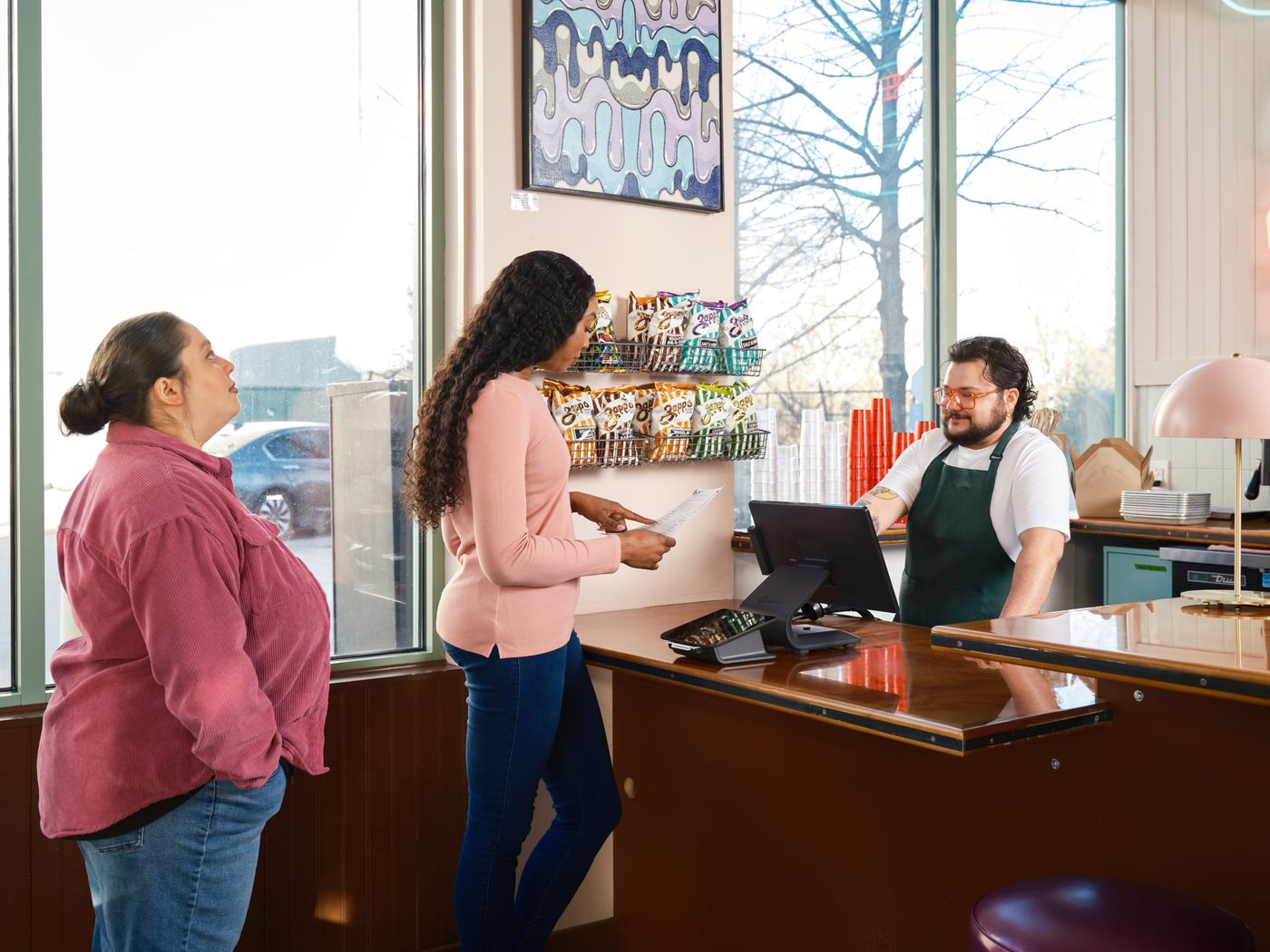
Choose the setup your floor needs. Elyx can provide the devices, configure the payments and printers, and connect orders, receipts and device status to Operator.
Staff screen, customer display, receipt printer and payment flow for the counter, bar or collection point.
Take orders and payments at the table, in the queue, outside, or wherever service is happening.
Android kiosk ordering with table selection, menu sync, card payment flow, device pairing and health checks.
Table QR codes and NFC tags open the right ordering or action page. The physical tag stays simple; Elyx decides the live route.
Configure the preferred printer, direct print mode, test receipts and auto-print rules for orders sent to kitchen.
Use card terminals, payment links and Android Tap to Pay flows where configured, with outcomes tied back to the order.
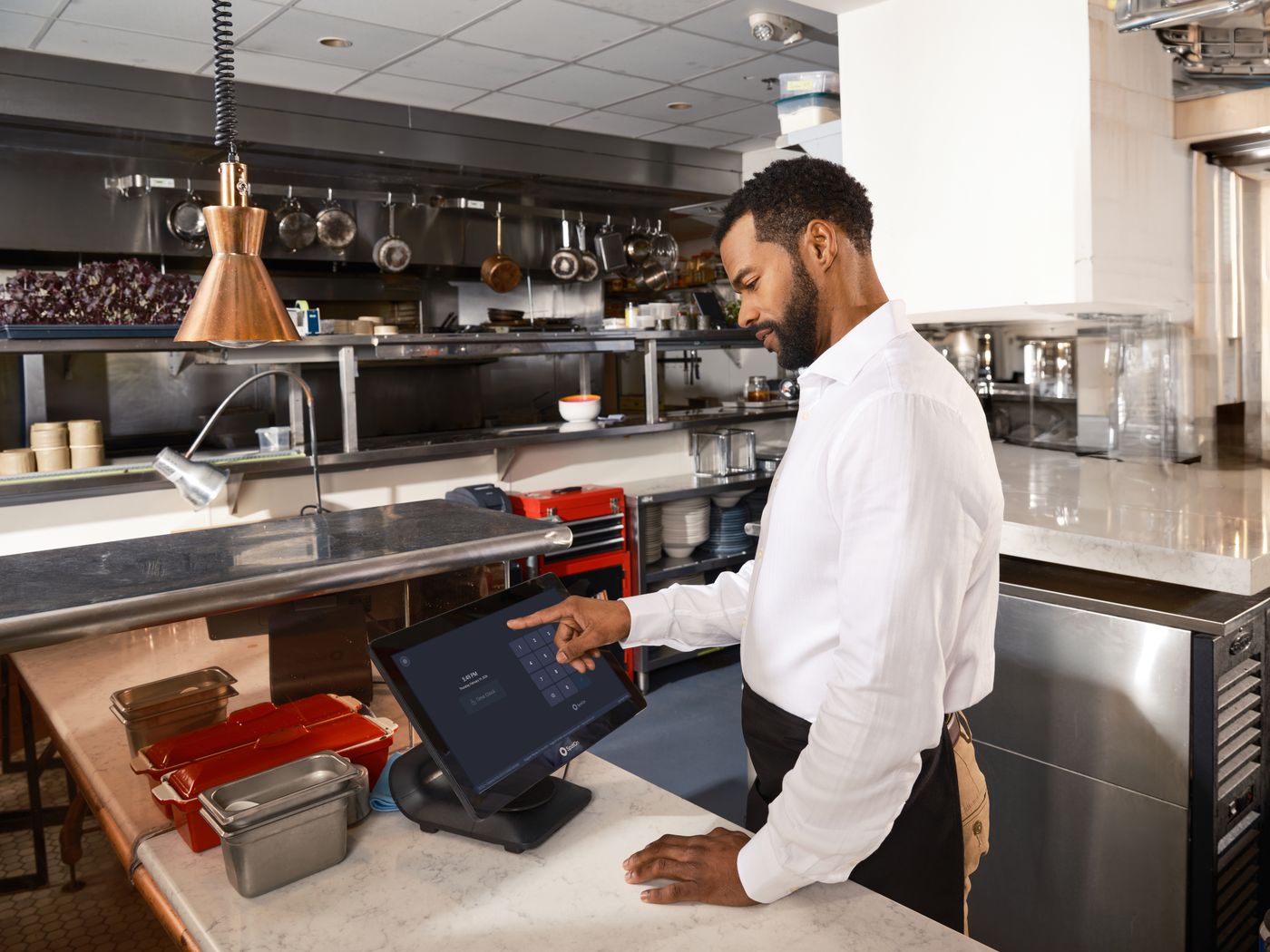
The offer is not just software. Elyx can provide the till, printer, tablet or kiosk setup, then connect it to orders, payments and Operator.
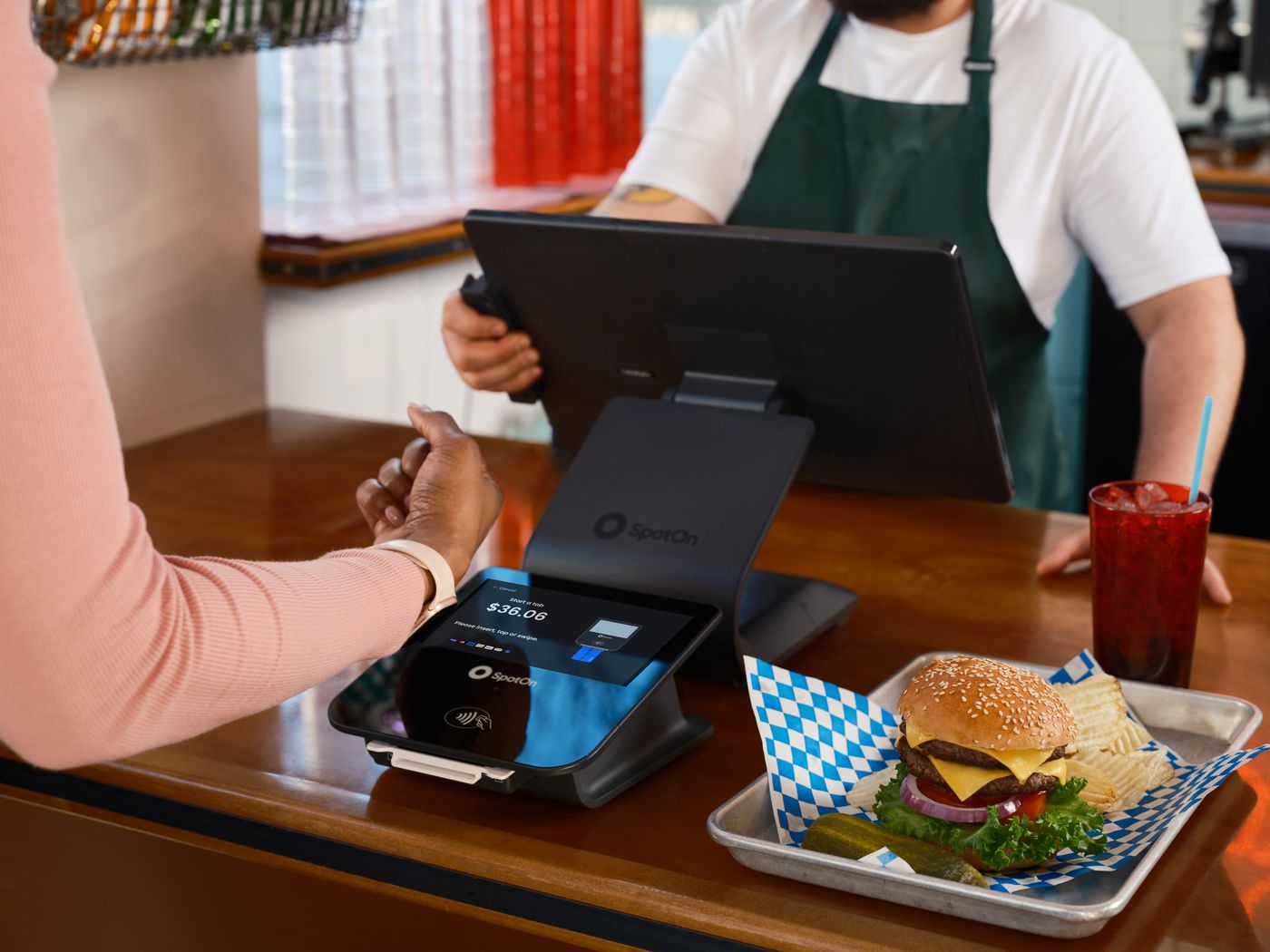
Payment hardware
When payment succeeds, fails or needs follow-up, Elyx keeps the context beside the table, guest and receipt.
The hardware matters because it closes the loop between the guest, the staff member, the kitchen, the payment and the owner view.
Staff, guest or kiosk creates the order from the right menu and table context.
Cash, card terminal, hosted link or Tap to Pay moves the order into a paid or follow-up state.
The order can print to the right device or move through the kitchen flow.
Sales, refunds, failed payments, printer status and kiosk health become visible to the team.
A till can record a sale. Elyx also uses that sale, failed payment, receipt, refund, item change or device warning to keep the business view current.
Sales
What sold, where and when.
Payments
Paid, failed, waiting or refunded.
Devices
Printer, kiosk and table flow status.
Hardware into Operator
Orders, payments, receipts and device health are not isolated hardware events. They become operating context.
Kiosk heartbeat
Kiosk 02 checked in 48s ago
Printer mode
Direct print to kitchen enabled
Payment warning
Tap to Pay failed on Table 6
Menu sync
Salmon hidden on QR and kiosk
Hardware works when devices, payments, menus, printers and permissions are configured before the first service. Elyx treats that rollout work as part of the product.